Reflection

During my time taking COM 210, I would have to say I found the most enjoyable project to be Adobe Illustrator. I found it easier to use and more clear cut than photoshop. It also didn’t require me to talk into a microphone. Overall, the tools made the most sense and the image created came out incredibly clear. When using photoshop I made a bit of a mess and ended up relying on having to blackout cut out portions of the picture in order to make my work look acceptable. With Adobe Illustrator, I felt as though my logo came out clear and concise. It gave me the best opportunity to show what I believe my blog is all about. In other words, it felt like my best performance.

The career path I’ve chosen isn’t clear cut yet, but it will more than likely be related to PR or event planning. In the applications I have looked at so far, illustrator and photoshop have been listed as something I need to be able to use, along with Microsoft word and Excel. I knew nothing about either before this class, so it is sure to be helpful in the future when I am employed with one of these companies. The skills I gained from this class will probably prove to be useful either to help me through the hiring process or during my actual job. I look forward to applying the skills COM 210 gave me.

There aren’t any skills that I wish I had learned. Everything I learned will surely be useful in its own way. I did not find any resources outside of class that were especially useful.

I suppose they could be helpful to others, but I didn’t find premiere or the audio program to be too useful. I don’t think I will spend much time with either in the future. I was also told that their units would be easier than photoshop and adobe illustrator, but I actually found them to be a great deal more difficult because they required so much prep work prior to actually using the program. Also, thank you for the class texts and emails. They definitely help with my success in the class by keeping me on top of each project. In the future, it might be wise to let students know about the dimensions lab in the Holland and Terrell library because the woman supervising the Jackson lab was painfully inconsistent about her hours and it lead to a lot of frustrations among students using the lab.

Premiere Final Video Story

In this video, I decided to teach two pole dancing spins that I teach for UREC at my job. These are two of the more advanced spins that I am allowed to teach, and although they might look easy they take a lot more practice than anyone would think. My blog is based on unique styles of fitness. Previously I focused on lyra, or aerial hoop, and now I want to show pole dancing. I chose to make this an instructional video, but please don’t try to do it without a certified instructor present.

I was influenced to do this particular video because I teach pole dancing every day. It’s something I am familiar with, and something I think a lot of people don’t understand. It, like all forms of dance, can be anything you want it to be. It doesn’t only have to be “sexy”. It’s a creative choice. My design significance is that pole dancing is a workout. It’s a very difficult workout that has stumped every body builder that’s ever stepped into my class. In other words, pole dance is a unique style of fitness,  just as my blog is based on.

Two of my friends filmed me after class one day from two different angles. I then took all four videos and placed them in premiere. By double clicking on each video and then trimming it, I was able to place the content I wanted from each video into a sequence. After achieving almost what I set out to do, I recorded a new audio track after realizing audio hadn’t come through very well over the original recording, which is why I appear to be talking in the video. I then cut the audio to make it fit with the video, and removed any misspoken words. After I found a song on freesound.org that I found to be adequate and added it in to fill in the blank spaces in the audio track. I turned down the volume of the music by adjusting the audio gain.  I then added in crossfades, and a fade to black at the end of the video.

For the final draft, I ended up using the draft I had originally created without any edits. When I went to edit, I was unable to edit the file. It said it was damaged and could not be opened even after trying a couple of different computers. Without being able to edit, I was unable to make revisions. My peers had suggested adding in a title, conclusion page, and creating smoother transitions between clips. None of these suggestions were accomplished.

Here is the link to the freesounds.org song I felt was adequate:

https://freesound.org/people/rescuedsheep/sounds/449245/

Premiere Video Draft

In this video, I decided to teach two pole dancing spins that I teach for UREC at my job. These are two of the more advanced spins that I am allowed to teach, and although they might look easy they take a lot more practice than anyone would think. My blog is based on unique styles of fitness. Previously I focused on lyra, or aerial hoop, and now I want to show pole dancing. I chose to make this an instructional video, but please don’t try to do it without a certified instructor present.

I was influenced to do this particular video because I teach pole dancing every day. It’s something I am familiar with, and something I think a lot of people don’t understand. It, like all forms of dance, can be anything you want it to be. It doesn’t only have to be “sexy”. It’s a creative choice. My design significance is that pole dancing is a work out. It’s a very difficult workout that has stumped every body builder that’s ever stepped into my class. In other words, pole dance is a unique style of fitness,  just as my blog is based on.

Two of my friends filmed me after class one day from two different angles. I then took all four videos and placed them in premiere. By double clicking on each video and then trimming it, I was able to place the content I wanted from each video into a sequence. After achieving almost what I set out to do, I recorded a new audio track after realizing audio hadn’t come through very well over the original recording, which is why I appear to be talking in the video. I then cut the audio to make it fit with the video, and removed any misspoken words. After I found a song on freesound.org that I found to be adequate and added it in to fill in the blank spaces in the audio track. I turned down the volume of the music by adjusting the audio gain.  I then added in crossfades, and a fade to black at the end of the video.

I faced two challenges in this project. The first one was that I realized I was going to need to record audio separately, which is why I am talking and gesturing in the video. The second problem I faced was that on the version of Adobe Premiere I used, I couldn’t find how to put a title into the video. Title wasn’t listed anywhere, so I’m still searching and plan to add it in for the final draft.

Here is the link to the freesounds.org song I felt was adequate:

https://freesound.org/people/rescuedsheep/sounds/449245/

Final Audio Story

For my audio story I focused on my journey into fitness and into aerial dance. I told an abbreviated version of how the whole journey began. My website is designed around the idea of unique styles of fitness, so I thought it would be appropriate to focus on how I found an interest in unique style and what its effect has been on my life.\

My research focused on finding the right kind of music to play while I was talking during my story, and I found the one I wanted to use off of freesound.org, which is licensed under the creative commons 0 license. The free sound I found was the emotional piano bu tictac9. Link found below:

https://freesound.org/people/tictac9/sounds/443344/

My technical process was to record myself saying my story. There were initially a couple of ‘um’s and ‘uh’s in the recording and a couple pauses were I wasn’t sure how to phrase what I was saying. I placed the audio track into audition and started with the cut tool. I shorted the silence at the beginning and end of the recording. I then cut out any awkward pauses and all of my ums and uhs. After I removed a small section of the recording because I no longer felt it was relevant by time I had started editing the recording. I then used the select tool to drag all of the clipped pieces together and see if they would fit. I had to re-cut a couple portions after that because it didn’t line up perfectly.

After I was finished with my voice recording, I found a song to pair it with from freesound.org and placed it in audition. I muted my voice recording and started with the cut tool. I removed the beginning and end of the sound a little, and then I tried to removed the middle of the track because it created a lull where my story didn’t have one. I removed it, but then had to add back in section because my clip wasn’t long enough, so I made a duplicate of the rhythm by cutting and lengthening the sound track pieces until it all fit together to be long enough from my voice recording. I adjusted the sound volume down as well with the sound clip because it was overpowering my voice.

The feedback I received suggestion that I edit my audio a bit more to efficiently remove all ‘ums’ and ‘uhs’ and awkward gaps between speech. Feedback also suggested that I fade the sound in and out on both ends of my track. I should also lower the sound of the music to put more focus on the story I told in my audio.

With the suggestions in mind, I revised all speaking portions and the music to have less spaces. I faded in and out the music at the beginning and end. I also lowered the music in the track, as suggested.

Audio Story Draft

For my audio story I decided to focus on my journey into fitness and into aerial dance. I told an abbreviated version of how the whole journey began. My website is designed around the idea of unique styles of fitness, so I thought it would be appropriate to focus on how I found an interest in unique style and what its effect has been on my life.\

My research focused on finding the right kind of music to play while I was talking during my story, and I found the one I wanted to use off of freesound.org, which is licensed under the creative commons 0 license. The free sound I found was the emotional piano bu tictac9. Link found below:

https://freesound.org/people/tictac9/sounds/443344/

My technical process was to record myself saying my story. There were initially a couple of ‘um’s and ‘uh’s in the recording and a couple pauses were I wasn’t sure how to phrase what I was saying. I placed the audio track into audition and started with the cut tool. I shorted the silence at the beginning and end of the recording. I then cut out any awkward pauses and all of my ums and uhs. After I removed a small section of the recording because I no longer felt it was relevant by time I had started editing the recording. I then used the select tool to drag all of the clipped pieces together and see if they would fit. I had to re-cut a couple portions after that because it didn’t line up perfectly.

After I was finished with my voice recording, I found a song to pair it with from freesound.org and placed it in audition. I muted my voice recording and started with the cut tool. I removed the beginning and end of the sound a little, and then I tried to removed the middle of the track because it created a lull where my story didn’t have one. I removed it, but then had to add back in section because my clip wasn’t long enough, so I made a duplicate of the rhythm by cutting and lengthening the sound track pieces until it all fit together to be long enough from my voice recording. I adjusted the sound volume down as well with the sound clip because it was overpowering my voice.

Logo Project

Logo-Final-JPEG

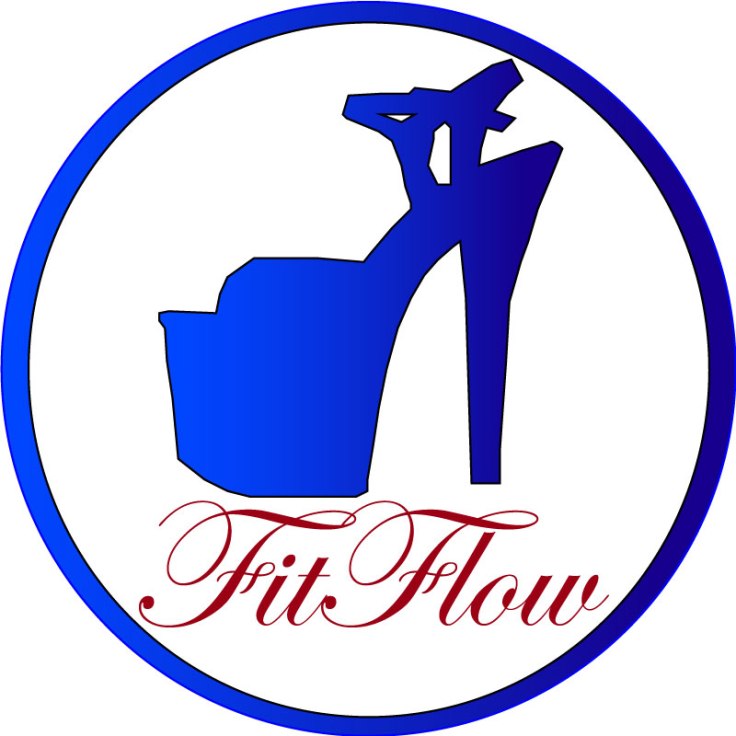
For this project, I decided to create a Logo of using my stiletto pole heels. My course topic is unique styles of fitness. I pole dance, but I also teach pole dancing for UREC, and part of pole dancing can include different styles of shoes, such as sneakers, cowboy boots, stilettos, and ballet point shoes. I typically dance either barefoot or in stilettos. FitFlow is the name of my website, so I felt it should be included in the logo.

My influences for my design were pole clothing brands. While looking for pole clothing, I noticed the logo for Dragonfly pole wear is a dragonfly, the logo for Bad Kitty is the outline of a cat, and the logo for Cleo the Hurricane is a lightning bolt. Each brand contributed to my idea. The significance of each element in my design was the stiletto which represented pole dancing, the outside circle encapsulated the design, and FitFlow: the name of my website. 

I took a picture of my heel to be used for the logo. I outlined the stiletto using the pen tool and cut out the little individual pieces in the strap on the shoe. After that I adjusted the lines using the point selector tool so the lines followed the shoe properly. Then I used the shape builder tool to remove the pieces that weren’t part of the shoe. I then created two colors in the swatch section and used them with the gradient tool to color the shoe.

For the circle on the outside, I placed down two circles, one filled with white and the other with black. I sized the black circle to be larger than the white circle, and then placed the white circle on top of the black circle. I went back to the black circle next and used the same colors I had chosen for the shoe to tie the two together.

I used 72 pt Edwardian font style. I highlighted the text and created another color with the swatch maker to find a color I felt would pop more than black.

Feedback said I should lighten up the second color, which could have been mistaken for black. Feedback also stated that they would like a shift in the gradient to create a little more equality between the lighter blue and the darker blue. The last comment posted on my original draft stated that they thought I should change what my text said and that I should use a different font, even though the idea of my website is styles of fitness based around flow. I chose to ignore the last comment because I did not feel it was in the best interest of my logo to adjust for that comment.

I decided from there to adjust the gradient, bringing more of the light blue into the logo than before. I then readjusted the darker blue until it was a few shades lighter. I then applied the gradient swatch to the circle.

Logo Sketch

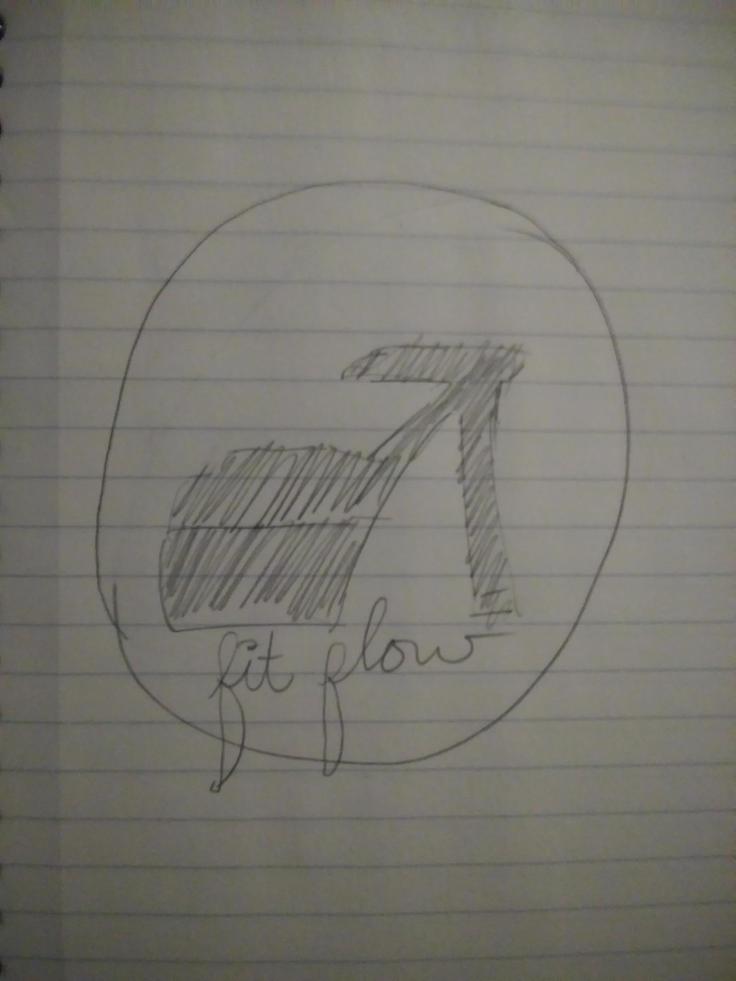
My idea for my sketch is to create an outline of a stiletto heel, create a circle around it, and then underneath have the name of my website– FitFlow.  Logo 2

Create a free website or blog at WordPress.com.

Up ↑

Design a site like this with WordPress.com
Get started